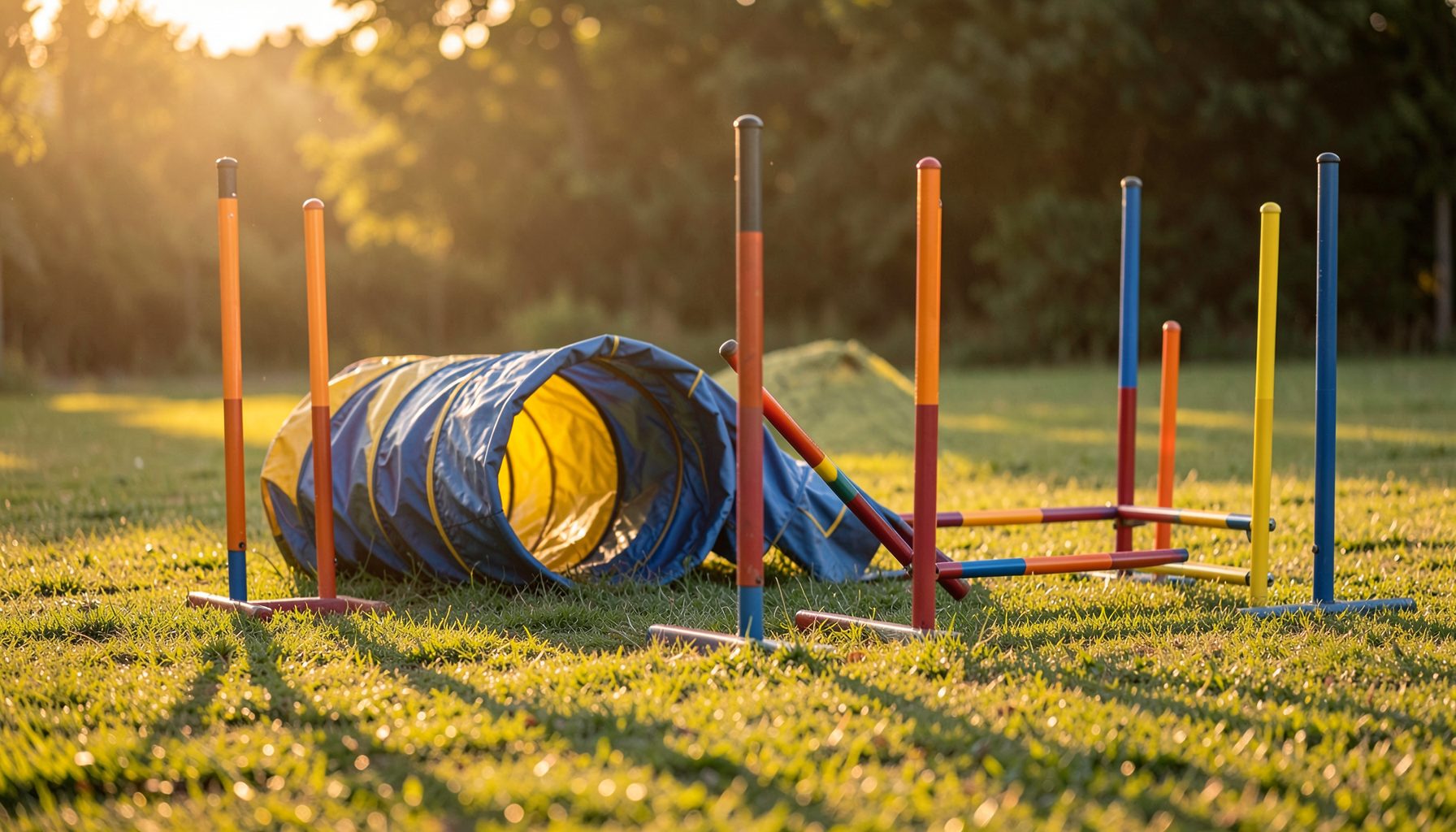
Finding Agility Event Photos by Handler Name
Large dog-sport galleries can contain thousands of images from multiple rings, classes, and competition days. Searching by memory alone may lead you through page after page of similar jumps, weave poles, and finish-line moments. A clear search sequence makes the process faster and helps you avoid overlooking the best photographs.
Pawprint Pictures organizes event photography so owners and handlers can locate images through details such as the event, club, handler, and dog. Once you know which information is most reliable, you can move from a broad gallery to a much smaller set of relevant results and then select prints or other photo products with confidence.
The most effective approach is to begin with the competition itself, use the handler’s name consistently, and verify each image before adding it to the shopping cart. These steps work for agility trials, club shows, training sessions, and events held under organizations including AKC, USDAA, NADAC, CPE, and ASCA.
Understand How Event Galleries Are Organized
A photography gallery is usually divided into layers. The first layer identifies the event or club, while later sections may sort images by date, ring, class, handler, or dog. Knowing this structure helps you choose the right entry point instead of searching every photograph from an entire weekend.
Start by identifying the event name, host club, location, and approximate date. If a trial included multiple days, note the specific day on which you ran. A handler who competed in five classes may appear in several separate sections, and a dog entered in more than one height or jump category can produce a large number of similar-looking images.
Browse Pawprint Pictures to become familiar with the available event categories and gallery navigation. The site’s organization is designed for customers who may remember the competition but not the exact gallery path.
Start With the Correct Event
The event title is the strongest first filter. A handler’s name may appear at several trials during the season, while the event name, club, and date usually point to one specific collection. If you know the venue or hosting organization, use that detail to distinguish between similarly named competitions.
Check spelling carefully when selecting an event. Club names can include abbreviations, regional identifiers, or year markers. A spring trial and a fall trial hosted by the same organization may be listed separately, and a championship weekend may have its own gallery rather than being grouped with regular club events.
When dates are available, compare them with your run records, score sheets, or personal calendar. The correct event should match the day your dog competed and the class schedule you remember. This simple check prevents wasted time in galleries from another trial with the same club or venue.
Use the Handler Name as Your Main Search Key
Once you are inside the correct event gallery, look for a handler-name index or customer-gallery search field. Enter the name in the format most likely used by the photographer’s system. A full name may work best, but a surname or first-name variation can help when punctuation, spacing, or initials differ from your registration records.
Be aware that the name attached to a gallery may come from an entry list, catalog, or manually prepared event data. A registered name, nickname, married name, or team designation may not match the name you commonly use online. If the first search produces no results, try a shorter version while staying within the correct event.
| Search detail | Best use | Common issue |
|---|---|---|
| Event name | Locates the correct competition | Similar club or venue names |
| Handler name | Narrows the gallery to your runs | Initials, punctuation, or alternate spelling |
| Dog name | Confirms the correct team | Call name may differ from registered name |
| Date or class | Separates multiple sessions | Several classes may share one gallery |
| Ring or obstacle sequence | Verifies a specific run | Images may be grouped by photographer workflow |
After the handler results load, scan for the dog names connected with your entries. This is especially important for handlers who ran several dogs. The handler search gets you into the right group, while the dog’s name helps separate one team from another.
Narrow the Results With Dog and Run Details
Dog names are a valuable secondary filter because a handler may have multiple entries in the same trial. Compare the listed dog name with your entry confirmation or results sheet. Registered names can be lengthy, and some galleries may display a formal name rather than the familiar call name.
If the gallery is organized by class or run, use your schedule to narrow the search further. Look for the correct course type, jump height, level, or time period. A dog’s performance may also provide visual clues: a fast start-line release, a refusal, a contact obstacle, or a distinctive handler position can help identify the right sequence.
Review several images from a set before deciding that it belongs to you. A single frame may show only the dog, while the next image reveals the handler, collar, leash, obstacle arrangement, or ring fencing. These details are more reliable than trying to identify a dog from one blurred action photograph.
Check Image Details Before Ordering
Finding a likely match is only part of the process. Open the image set and inspect the full sequence, paying attention to the dog’s expression, markings, coat pattern, equipment, and the handler’s clothing. Compare the course background and obstacle layout with what you remember from the run.
Timing can help confirm a photograph. If your dog had a quick, confident run, the sequence should show consistent forward motion and obstacle progression. If the dog stopped at the table, missed a contact, or made a wide turn, those moments may appear in the gallery in an order that matches your score sheet.
Pawprint Pictures provides a secure shopping cart for ordering prints and other photo products. Before purchasing, check that the selected image is the correct resolution, orientation, and crop for the product you want. It is worth reviewing the complete set because a later frame may show a clearer expression or a stronger connection between dog and handler.
Search Habits That Save Time
A few preparation steps can make event-photo searches much easier, especially after a busy weekend when details begin to blend together. Keep your entry information nearby and search one event at a time rather than opening several similar galleries at once.
Use these habits when looking for your images:
- Record the event name, club, location, and date before opening the gallery.
- Search with the handler name listed on the trial entry or catalog.
- Confirm each dog’s registered name, call name, and competition class.
- Compare obstacle layouts, clothing, equipment, and run order with the images.
- Save the gallery page or image reference before leaving to complete an order later.
Your run itself can also offer useful context. A dog’s body position, ear carriage, tail movement, and focus may help you recognize a sequence when several images look alike. The guide on dog body language can provide additional insight into what you are seeing in action photographs.
Get Support When a Search Comes Up Empty
A missing result does not always mean that no photographs were taken. The handler’s name may have been entered differently, the event may have been divided into several galleries, or images may be grouped under a club, class, or dog category instead of a direct name index.
Before contacting support, gather as many details as possible: event title, hosting club, date, location, handler name, dog name, organization, and approximate class or run time. Mention any alternate spelling or registration name that might be connected to the entry. Clear information gives the photography team more ways to locate the correct gallery.
Customer-gallery support can also help when you see a likely event but cannot find your specific run. Ask for assistance locating photographs rather than assuming the images are absent. Once the correct set is identified, you can review the options and place an order through the secure checkout process.
With the event details in hand, begin at the event photo gallery, filter by the handler name, and confirm the dog and run before purchasing. A methodical search turns a huge collection into a manageable record of your team’s best moments.