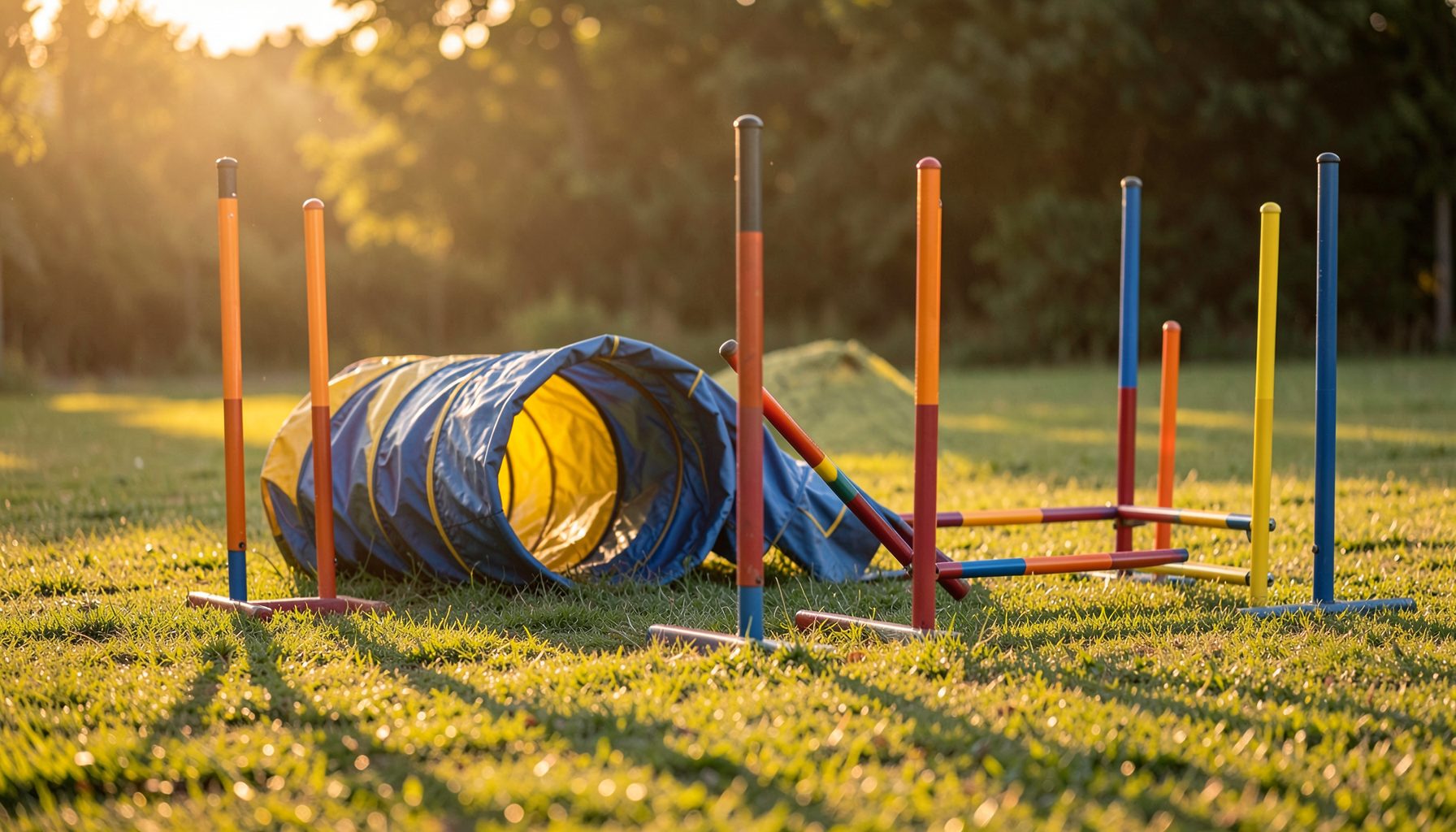
reliving your dog's agility runs in order with gallery sort by time
There is something quietly emotional about watching a dog you have trained for months launch over a spread jump and land clean. The seconds feel long in the moment, and then they vanish. After the ribbons are packed away, the photographs are what bring the feeling back. For handlers across Australia who travel between country shows and Royal events, those images are the closest thing to a written diary of a season.
Australian trials carry their own rhythm. A winter campaign might start at the Dogs Queensland grounds at Durack, move through the summer heat at the Royal Melbourne Show, and finish at the Perth Royal Show grounds in spring. Photographers at these venues shoot thousands of frames across a single weekend, and the way those photos are ordered on a website makes the difference between a pleasant browse and a genuine re-run of the day.
Pawprint Pictures sorts images by event, club, handler, and dog name across AKC, USDAA, NADAC, CPE, ASCA, and the Australian peak body Dogs Australia. The newest tool on the platform is the sort by time option, which lines up every shot from a class in the sequence it was taken. That single toggle turns a static folder into a moving story.
This guide walks through how to switch the gallery into chronological view, what to look for once you do, and how to fold your time-ordered images back into training, sharing, and print orders.
why chronological viewing changes how you remember a trial
Memory is a strange thing at an agility ring. By the time you have leashed up and walked out of the arena, the weave entry you nailed in run two has already blurred into the run-off in run seven. Photographers shoot in bursts tied to the course clock, and the metadata stored with each frame preserves that order even when nothing else does. When the gallery is sorted by time, the photographs reconstruct the day the way it actually happened.
Run one feels different from run five. The dog is fresh, the handler is sharp, the warm-up is still in the legs. By run five, nerves have either settled or boiled over, and the crew ringside has rotated through its roster of supporters. Looking at the images in the order they were captured lets you see those shifts. It also lets you spot the small moments a memory normally drops, like the dog casting off the tunnel and the handler's shoulders dropping as they realise the line is clean.
Australian handlers who compete at multi-day events such as the Sydney Royal Easter Show or the Hobart Summer Classic often run three or four classes in a single ring rotation. Sorting by time turns a sprawling folder into a structured record, easier to talk through with a coach, a spouse, or the dog themself.
finding the sort by time toggle on an event page
The sort option lives inside the gallery view for any event page on the site. When you open an event through the club shows and trials section, the default view is grouped by handler. Above the thumbnails on the right-hand side, a small dropdown lets you switch the layout. One of the choices is labelled "time taken," and selecting it reorders every image on the page by the camera's clock.
The change is instant and does not require a page reload. Once switched, you can scroll through the entire class as if you were watching the slide deck the photographer built that afternoon. The toggle also remembers your choice for the rest of the session, so if you jump between dogs you are handling at the same trial, the ordering carries across.
If you are searching by dog or handler name rather than by event, the same dropdown appears once you load the personal gallery. Sorting by time there is useful when you are looking back over an entire season, because the images stack in the order of the classes rather than the dogs. Many Sydney and Brisbane handlers keep a folder of their own dogs across the year, and the time view turns that folder into a timeline.
reading jump times and run numbers the way photographers capture them
Every frame in a sorted gallery carries a timestamp, and the photographer usually aligns those with the start and finish lines of each run. That makes the sorted view more than a slideshow. It becomes a record you can read against your own course map. If you have ever scribbled "missed entry at jump six, second time" in a notebook, you can now scroll directly to that moment and check whether the photo confirms what you remembered.
This kind of review is useful when training for a specific height or class change. A handler moving from 300 to 500 in Masters can scroll through their older 300 runs and compare the dog's striding at the same sequence of obstacles. The metadata makes it easy to measure progress without guesswork.
It also helps when you want to send a frame to a remote coach. Pulling up the second-last obstacle in run two of an Open session at the Canberra Royal is far simpler when the gallery is sorted by time. You are not hunting through alphabetical folders of handlers; you are walking the day forward, the way the photographer walked it. The same idea sits behind pieces on start and finish shots, which explain why those moments tend to land first and last in the sort order.
building a personal highlight reel from your sorted gallery
Once the gallery is in chronological order, selecting the standout frames becomes a much faster job. Instead of double-clicking through hundreds of thumbnails, you can scrub through the timeline and pick the image that marks each turning point of the run. The start-line focus, the weave entry, the contact, the send, the finish. Many handlers in Adelaide and Perth now build a four-image set for each dog and use it as the cover photo on their handling diary.
The favourites tray on the site keeps those picks in the order you clicked them. If you load the gallery with the time sort active, your favourites will reflect the run order rather than the click order, a subtle but welcome improvement. You can then drag the favourites into the shopping cart and turn them into a small print set without rebuilding the sequence by hand.
For handlers who train multiple dogs, the time-stamped favourites make it easy to compare siblings or half-siblings across a trial weekend. Side by side, the differences in stride and decision-making become obvious. Pairing those screenshots with training notes turns a photo set into a working journal entry that travels well between trials.
sharing the sorted gallery with family, sponsors, and club mates
Sorting a gallery by time also makes it easier to share, because the sequence tells a story without needing captions. A link sent to a partner, a parent, or a sponsor can be opened straight into the time view, and the recipient sees the day unfold in the right order. That is a small thing, but it matters when the photo set is being used as a sponsorship report or a year-end club recap.
The site's share tool respects whatever sort order is active when the link is generated, so it is worth checking the dropdown before you copy the URL. Once the link is sent, the recipient can still switch back to alphabetical if they prefer, but starting in time order is often the more engaging way to receive someone else's trial day.
If a printed set is the end goal, sorting first makes the cart workflow smoother. You can step through the run, pick the keepers, and head to the print order page confident that nothing important was skipped. The benefits of working through a curated set are explored in pieces on ordering professional prints, where the value of choosing by moment rather than by dog name is laid out in more detail.
habits that make the most of the time-sorted view
- Open the gallery on a desktop or tablet first so the timestamps and thumbnails are easier to read side by side.
- Sort by time before you start clicking favourites, so the picks land in run order in your tray.
- Skim every frame of each run once, even the blurry ones, because the outtakes often catch the tells a clean shot misses.
- Pair the sort with the dog name filter to follow a single dog through a full day, class by class.
- Save the URL of the time-sorted gallery for your training journal so you can return to the same view weeks later.
- Switch back to handler view only when you are ready to order prints, since cart building by handler is faster than by time.
A good trial weekend deserves to be walked through more than once. Sorting the gallery by time lets the photos do that walking for you, turning a folder of files into the actual morning, the actual run, and the actual finish line cheer.