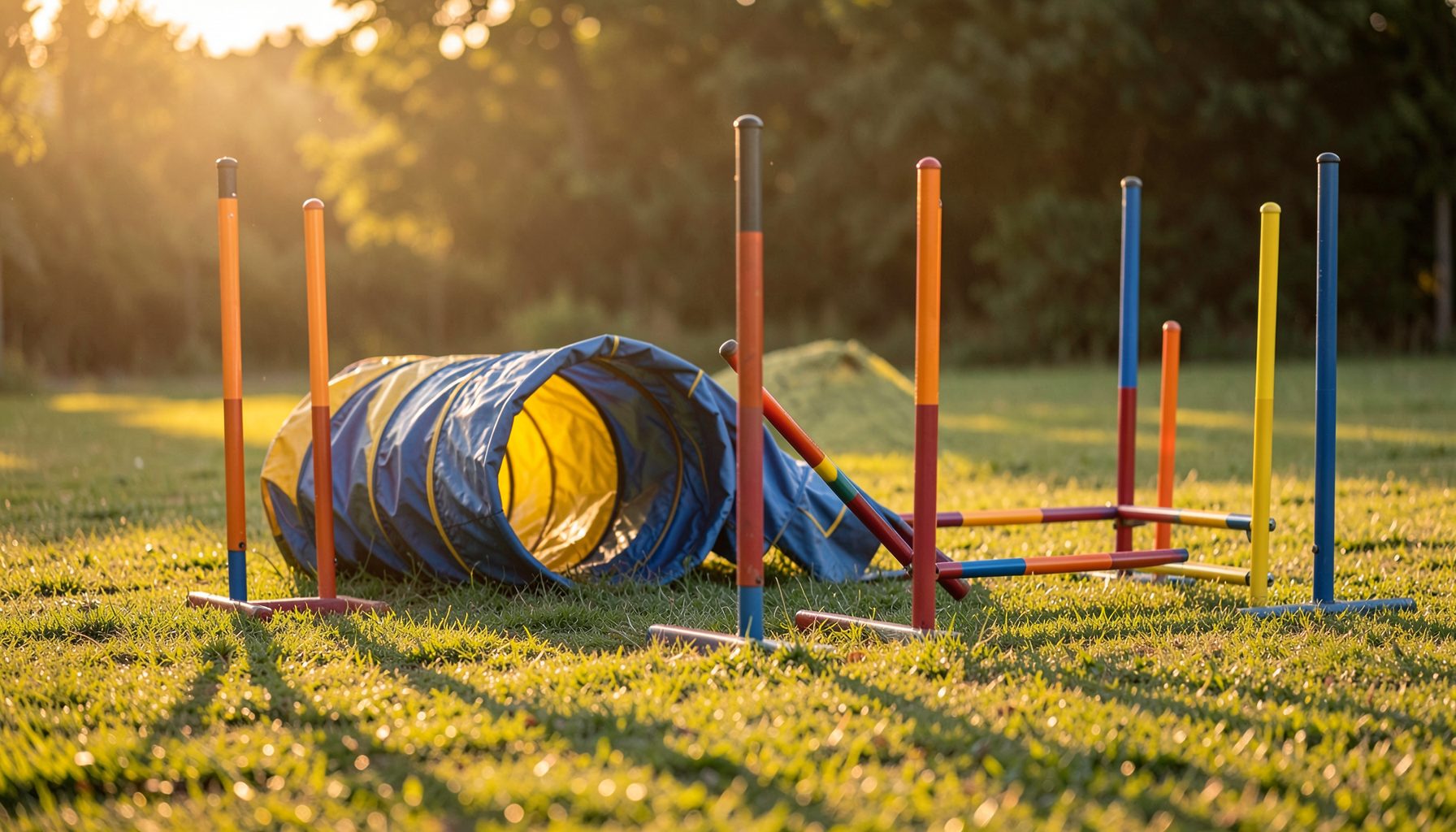
Finding Training Session Photos by Event Date
A training session can produce hundreds of images, especially when several classes, handlers and dogs share the same venue. If you remember the club, venue or approximate day but cannot recall the gallery name, the event date range is a practical way to narrow the search on Pawprint Pictures. Learn more about Mobile Veterinary Service.net.
This approach is useful for Australian dog owners attending weekday training, weekend workshops or club-run agility sessions in places such as Sydney, Melbourne, Brisbane and Perth. A carefully chosen date window can separate one session from nearby trials and make it easier to locate photographs by handler name, dog name or event gallery.
| Search method | Best when you know | Main advantage | Common limitation |
|---|---|---|---|
| Event date range | The approximate training day or week | Finds sessions when the title is unfamiliar | A broad range may return several events |
| Club or event name | The organising club | Narrows results quickly | Club names may be abbreviated |
| Handler name | The person running the dog | Helps identify personal galleries | Spelling must be accurate |
| Dog name | The dog photographed | Useful for repeat competitors | Common names can produce several matches |
| Organisation or class | The agility body or class type | Separates related events | Not every session uses the same classification |
Start With Your Best Date Clue
Begin with the date you believe the training session occurred. Use the event search area to enter a start date and an end date that cover the likely period. If you remember the session was held on Saturday 14 September, begin with that single day rather than searching the entire month.
Your clue may come from a calendar entry, club email, phone photograph or social media post. Check whether the date refers to the training itself or the date the images were uploaded. Photography galleries are often published after an event, so the upload date may differ from the day the dogs were on course.
If you only remember “early winter” or “the weekend before the trial”, begin with a range of three to seven days. Australian clubs may run training on one day and a competition shortly afterwards, so a narrow starting range helps prevent trial galleries from overwhelming the results.
Choose A Narrow Range First
A date range should be wide enough to include the session but narrow enough to exclude unrelated events. A two-day range is suitable when you know the exact weekend. A seven-day range is more useful when travel, weather or a change of schedule may have shifted the session.
Avoid entering several months at once unless you have no reliable date clue. A broad search can include club shows, trials, workshops and training days across multiple locations. This makes it harder to recognise the relevant gallery, particularly during busy periods in Melbourne or Sydney.
Australian daylight saving can also affect your memory of a date. New South Wales, Victoria, Tasmania and the Australian Capital Territory change clocks seasonally, while Queensland, Western Australia and the Northern Territory do not. The date itself usually remains clear, but an evening session may feel associated with a different day if you travelled across a time zone.
Refine Results With Club Details
Once the date range produces results, add a club name, event title or venue if the search tools allow it. A club abbreviation may appear differently from the name used in your email confirmation, so try the full name first and then a recognisable part of it.
Training sessions can be listed under the host club, a facility name or a broader event description. Look for familiar details such as an indoor arena, a local showground or a named training field. A Brisbane handler, for example, may remember the suburb or venue more readily than the official event title.
When several galleries share the same date, compare the event type and location before opening images. A CPE session will have a different context from an AKC, USDAA, NADAC or ASCA event, and the gallery description may provide the clue needed to distinguish them. For background on one of these agility organisations, CPE agility history offers useful context.
Check The Session Rather Than The Upload Date
The relevant gallery may be arranged according to the event date, not the date the photographs became available online. This matters when a photographer processes images after a long weekend, a large trial or a series of club bookings.
Read the gallery details carefully before assuming that a close match is incorrect. A session photographed on Sunday may be grouped with a weekend event, while a workshop held over several days may have separate galleries for each day. If you attended more than one class, inspect each matching date rather than stopping at the first result.
Weather can help confirm the right gallery. Outdoor agility training in Australia may be moved, shortened or rescheduled during extreme heat, storms or wet conditions. If your calendar says one date but the club postponed the session, expand the search to include the replacement day.
Search By Handler And Dog
After locating likely galleries, use the handler and dog information to narrow the photographs. Enter names as they appear in the event listing where possible. A registered dog name, call name or handler surname may produce different results, so check both if the first search is unsuccessful.
Pay attention to punctuation and spelling. A dog may be listed under a formal registered name rather than the nickname used at training. Multiple dogs from the same household may also appear in one gallery, making the dog name particularly useful when you want images of a specific team.
If you are unsure whether a photograph belongs to your session, compare the dog’s markings, equipment and course setting. Training photos often show a less formal atmosphere than competition images, with different obstacles, warm-up areas or club uniforms. This visual check can confirm the date range when written details are limited.
Prepare For Better Photo Selection
Once the correct gallery is open, review thumbnails before choosing products. Training sessions often capture a wider range of moments than a formal trial, including approaches to jumps, contact obstacles, weave entries and handler movement. Select images that show the dog clearly and represent the action you want to remember.
The time of day can affect colour, shadows and the visibility of the dog’s face. Outdoor sessions in Australia may be scheduled early to avoid summer heat, particularly at exposed grounds in Adelaide or regional Queensland. Guidance on outdoor agility timing can help explain why some galleries have softer light than others.
Think about the finished product before ordering. A landscape frame may suit a long jump or running sequence, while a portrait orientation can emphasise a vertical leap. This photo orientation guide can help when deciding between print formats and display options.
Practical Ways To Avoid A Missed Gallery
Use the following habits when searching for a training session or checking out photographs through the secure shopping cart:
- Search the smallest reliable date range first, then widen it by one or two days if no gallery appears.
- Keep the club name, venue, suburb and class type nearby while reviewing matching events.
- Try the dog’s registered name, call name and handler surname when a gallery contains many teams.
- Check postponed dates after storms, heatwaves or venue changes, especially during Australian summer.
- Save the gallery link or note the event details before leaving the page so you can return to the correct images.
- Review cropping, orientation, print size and delivery details before completing an order.
If the event still cannot be found, use the customer-gallery search and support options provided by Pawprint Pictures. Include the approximate date, club, venue, handler name and dog name in your request. These details give the support team several ways to identify the correct gallery when the event title is unfamiliar.
Confirm The Match Before Ordering
Before purchasing, confirm that the gallery date matches the training session rather than a nearby competition. Check the club or venue name, look for your dog in several images and compare the course layout with what you remember. A gallery showing the same handler but a different dog may indicate that the search has returned another class or event.
For Australian customers, review the available product, postage and payment information in the cart before submitting the order. A digital file, print or framed product may suit different purposes, from sharing a training milestone online to displaying a favourite sequence at home. Keep the order details and gallery reference in your records.
The most efficient process is simple: identify the likely date, search narrowly, refine by club or venue, confirm the handler and dog, then inspect the images before buying. Start by checking your calendar or club message for the exact training date and enter that date as the first search range.