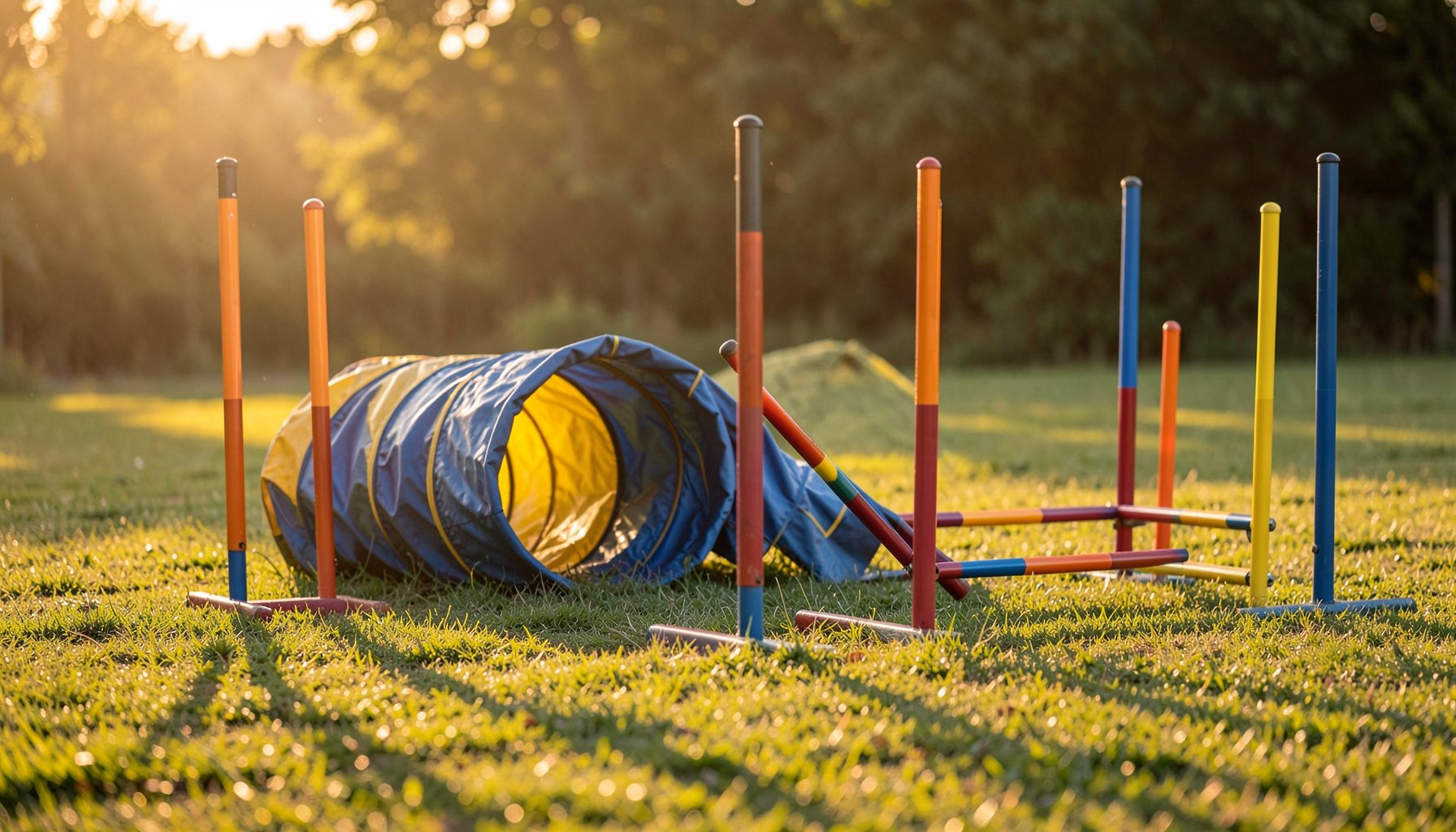
Find every team member’s agility photos by handler name
Dog agility events move quickly, and a single run can produce dozens of images. A handler may appear with several dogs, while teammates compete in different classes, heights, or jump divisions throughout the same event. Searching one dog at a time can make it easy to miss photographs of the wider team.
Pawprint Pictures organizes event photography into searchable galleries so handlers can locate images by event, club, handler name, and dog name. The handler-name search is especially useful when you want to gather photographs of your own runs and find your teammates’ galleries in the same session.
A focused search also makes ordering easier. Once the relevant images are collected, you can compare action shots, select print products, and complete a purchase through the secure shopping cart without repeatedly returning to a large event gallery.
Start with the correct event gallery
Begin by identifying the event, club show, trial, or training session where the team competed. Pawprint Pictures may photograph events held under organizations such as AKC, USDAA, NADAC, CPE, and ASCA, so selecting the right organization or event listing helps narrow the results. Check the event date, venue, and club name before entering a handler search.
If several competitions took place at the same facility, avoid assuming that the most recent gallery is the correct one. An event title may include a trial number, day, or class designation. Matching those details to your schedule reduces the chance of opening photographs from a different weekend or searching inside the wrong customer gallery.
Once the event is open, look for the customer-gallery search field. The available options can vary by gallery, but handler, dog, and event information are typically used to organize the images. Use the handler field first when your goal is to find your entire team.
Search the handler name carefully
Enter the handler’s name as it appears in the gallery records. Start with the surname if the search accepts partial text, then add the first name or initial when necessary. A common name may return several people, while an unusual spelling may produce no results if an extra space, punctuation mark, or alternate spelling was used.
Search each teammate separately rather than combining several names into one query. A gallery search usually treats a full name as a single record, so entering multiple handlers at once may return nothing or make the results difficult to interpret. Keep a simple list of the people you need to locate, including handlers running multiple dogs.
When a result appears, open the gallery and check the dog name, class, or course context. This confirmation step matters when a handler competes with more than one dog. It also helps distinguish a teammate’s photographs from another competitor with a similar name.
Compare search methods before browsing
Handler-name searching is often the fastest route to a team’s photographs, but dog-name and event browsing still have useful roles. The best choice depends on how much information you have and whether you are looking for one run or a complete collection.
| Search method | Best use | Helpful information | Common limitation |
|---|---|---|---|
| Handler name | Finding all dogs entered by one person | Registered handler name | May show several dogs or duplicate names |
| Dog name | Locating a specific dog’s runs | Registered or call name | Requires accurate spelling |
| Event gallery | Reviewing the full competition | Event date and club | Can contain many unrelated images |
| Class or course details | Confirming a particular run | Ring, class, or division | May not be available in every gallery |
| Support request | Resolving uncertain or missing results | Event, handler, and dog details | Takes longer than a direct search |
For a complete team review, begin with handler names and then use dog names to verify individual results. If a teammate’s gallery does not appear, try a shorter search, remove punctuation, or check whether the name was registered differently for that event.
Review images with the whole team in mind
After opening a handler’s results, scan the gallery for every dog associated with that person. Look beyond the most dramatic jump or finish-line image. Contact obstacles, weave poles, tunnels, turns, and approaches can show different aspects of the dog’s performance and provide a more complete record of the run.
The approach to a contact obstacle is often especially valuable because it captures focus, stride, and handler communication before the dog reaches the equipment. Pawprint Pictures’ guide to contact obstacle shots explains why these moments can be such strong choices when comparing action photographs.
Encourage teammates to review their results at the same time, but have each person confirm their own handler and dog details. A shared group message can help identify missing galleries, duplicate searches, or especially good photographs without mixing up orders between different customers.
Keep track of results and favorite images
A simple tracking method prevents repeated searches. Record each teammate’s name, dog names, event day, and the gallery link or result path. Add notes about favorite image numbers, preferred orientation, and whether an image shows a complete obstacle, a close handler-dog connection, or a distinctive team moment.
Use the image viewer to inspect composition and timing before adding products to the cart. Consider whether the dog’s face, body position, and obstacle are clearly visible. If you are comparing several shots from the same sequence, Pawprint Pictures’ advice on reviewing run galleries can help you choose images that tell the story of the performance.
When selecting photographs for a group order or shared display, agree on consistent criteria. Some teammates may prefer a bold action frame, while others may value a portrait-like moment after the run. A shared list of image numbers makes it easier to discuss choices without accidentally ordering the wrong frame.
Use support when a name search fails
A missing result does not always mean that no photographs were taken. The handler may have been registered under a different name format, the event may have more than one gallery, or the images may be organized under the dog’s name instead. Try the event and dog searches before assuming the gallery is unavailable.
Pawprint Pictures provides customer-gallery support for locating and ordering event photographs. When contacting support, include the event name, date, club, organization, handler name, dog name, and any class or ring information you know. These details give the team more ways to identify the correct gallery.
If you find some team members but not others, mention the names that are already working and the names that are missing. Support can then investigate a specific gap instead of reviewing the entire event from the beginning.
Turn a team search into a complete order
Once every handler and dog has been checked, review the selected image numbers one final time. Confirm that each photograph belongs to the right event and competitor, then choose prints or other available photo products through the secure shopping cart. Keeping one record per teammate helps prevent duplicate purchases and makes group coordination simpler.
Visit the appropriate Pawprint Pictures event gallery, search by handler name, and verify each dog’s results. With a few careful searches and accurate event details, your team can collect a complete visual record of its agility runs and preserve the moments that made the competition memorable.