Reading collar tags with the Pawprint Pictures gallery zoom tool
Capturing a Border Collie at full stride over a spread jump is the kind of shot every handler wants framed on the wall. It is also the kind of shot where the little things get away from you. A council tag swinging under the chin, a sponsor's logo on a sleeve, the embroidered kennel name on a collar - these details move fast at running speed and can blur into a smear unless the photographer nails the focus. Once the images land in your gallery, the zoom tool built into the Pawprint Pictures viewer becomes your best friend for chasing down those tiny but important elements.
Australian agility handlers travel a lot. A weekend might start at KCC Park in Melbourne on Saturday, finish at a Dogs Queensland grounds trial on Sunday, and wrap the month at the Royal Canberra Show. Clubs such as the Agility Dog Club of NSW, the Adelaide Dog Training Club, and Perth's Western Australian Dog Sport run trials back to back through the warmer half of the year, so photographers shoot a lot of action and handlers collect a lot of galleries. Knowing how to inspect each one properly is a quiet skill that saves time when ordering prints or building title applications.
The zoom viewer sits inside the same page where you browse thumbnails and add favourites to your cart. It works on phones, tablets and laptops, and it does not require any special software or downloads. Once you know where the controls live and what to look for, you can sweep through a hundred shots in an evening and pull out the keepers that show off your dog's name, your club colours, or the proof of registration required for a title.
This walkthrough covers the practical bits: how to open the zoom viewer, how to pan around an image, what to inspect first on a collar tag, and how to save or order from a zoomed view. There is also a note on privacy etiquette, since zooming in on a tag can reveal information you may not want to share publicly.
Why every millimetre counts in agility imagery
Handlers often think of action photos as decoration, but they double as paperwork. Title applications with organisations like Dogs Australia, and international bodies like USDAA, often ask for a clear photograph of the dog in action. The same image gets pulled into club newsletters, sponsor decks, and breeder websites. If the tag on the right reads, the embroidered kennel name is sharp, and the ribbon or Q charm is visible, that single frame does a lot of work. A blurry tag or a cropped logo means another round of emails asking the photographer for a resend.
Australian agility photographers shoot in tough light too. The sun at a Brisbane winter trial sits low and rakes across the ring, while a Perth summer trial has the opposite problem - harsh overhead light that washes out silver tags. That makes the zoom tool less of a luxury and more of a working lens. The USDAA classes and titles guide is a handy primer if you are working toward a specific title and want to know what kinds of photos tend to be accepted.
Finding the right image in your customer gallery
Before you zoom, you need to land on the photo you actually want. The customer gallery search lets you filter by event, club, handler name or dog name, and you can also pick the sanctioning organisation - AKC, USDAA, NADAC, CPE or ASCA. If you trialled at multiple venues in a weekend, this filter is the fastest way to narrow down to the runs you care about.
Once you have a thumbnail grid up, click any image to open the larger view. From there, a small magnifying glass icon or a dedicated zoom button appears, depending on whether you are on a phone or a desktop. On mobile, the controls sometimes hide until you tap the image once, so do not worry if the buttons seem to be missing at first. They are there.
Using the zoom tool step by step
The zoom viewer has a small toolkit rather than a complicated one. A few minutes of practice is enough to feel fluent.
- Tap or click the plus icon to zoom in, or use a pinch gesture on a touchscreen.
- Click and drag inside the zoomed frame to pan across the image.
- Use the minus icon, or a reverse pinch, to zoom back out to the full frame.
- Press the reset button (often a small home icon) to return to the original crop instantly.
- On most devices, scrolling the mouse wheel over the image also adjusts zoom level.
The viewer remembers your last zoom position briefly while you flick between thumbnails, so you can move through several similar shots without losing your place on the collar. That is especially handy when you are trying to decide which frame has the cleanest read on a tag.
Reading collar tags clearly
A working agility collar carries more than decoration. Depending on your local council rules in places like the City of Sydney, the City of Melbourne, or the Brisbane City Council area, your dog may be required to wear a registration tag at all times in public. Some handlers add microchip number discs, breeder contacts, sponsor charms, or Q-award pendants. Here is a short checklist of what to look for once you are zoomed in.
- Council registration number and year stamp (often a small disc near the buckle).
- Microchip ID sticker or engraved tag.
- Kennel or breeder name, useful when buying puppies from the same line.
- Sponsor or club branding if you are running on a sponsored team.
- Award charms from past titles, especially Q pendants and clean-run charms.
A sharp read on any one of these is a sign you have a keeper. A smear, on the other hand, often means the shutter fired a fraction too soon or too late, and you may want to move on to the next shot in the set.
Saving and ordering from a zoomed view
Zoom is not just for inspecting. It is also useful when you are ordering. The shopping cart lets you crop from the zoomed-in frame, choose print sizes, and pick up products like mugs or canvas wraps. If you are ordering a small print where every detail will be visible, zooming in first helps you confirm that the tag, ribbon or kennel name will read clearly at the chosen size.
It also helps with the practical Australian reality of A4 and A3 framing. A standard A3 print of a wide ring shot is a common request, and a tight 6R can work for a single detail crop of just the tag and buckle. Both work, but they need different source images. Use the zoom viewer to confirm which shot suits which product before you commit.
Beyond the tag - other fine details worth zooming
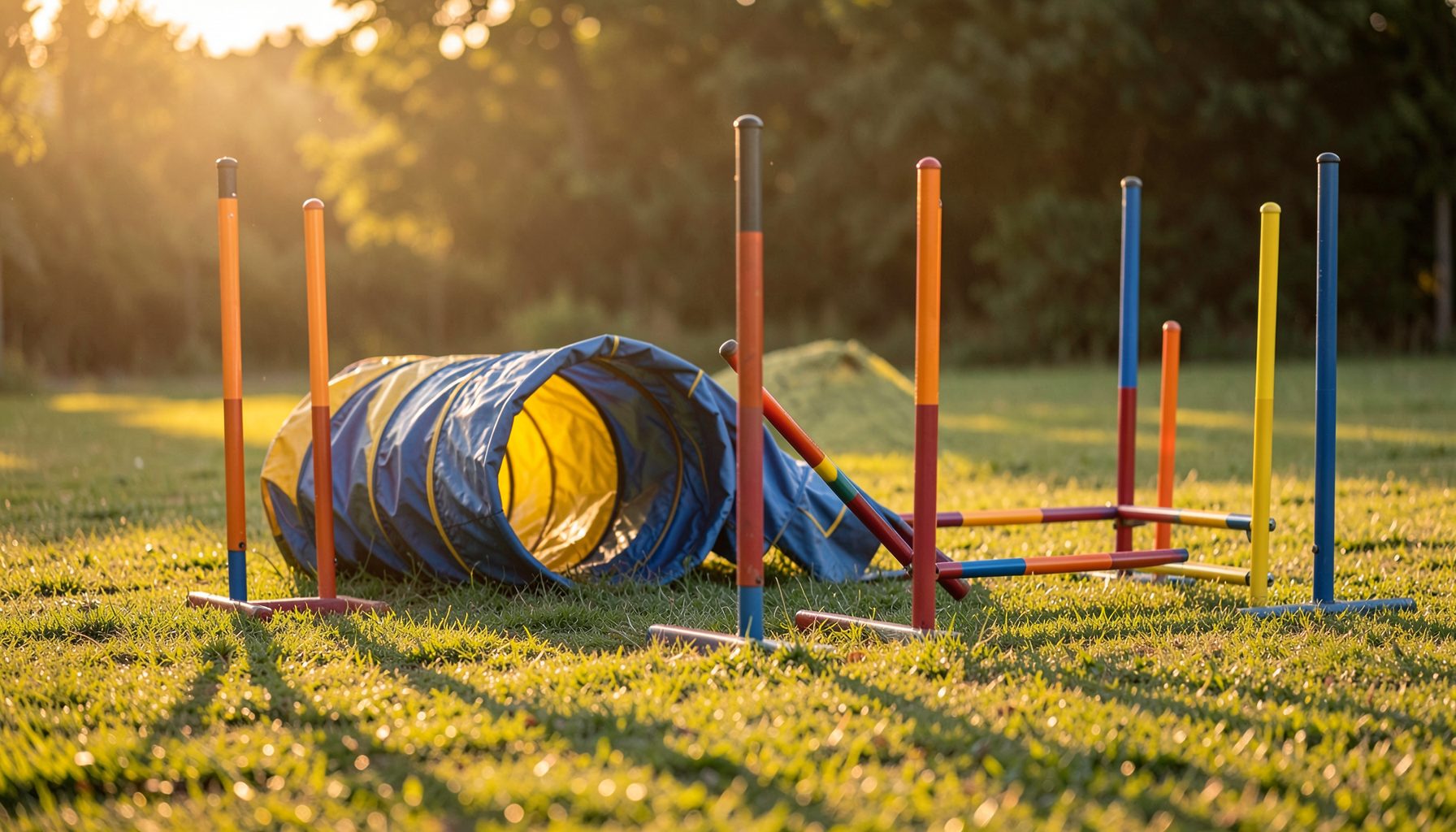
Once you start zooming, you will spot things you never noticed at thumbnail size. The weave of the tunnel fabric, the dust kicked up on a dry dirt course, the glint on a jump wing - all of these become little texture studies. Photographers also catch blink-and-you-miss-it moments like a tongue out, a paw turn, or a handler's grip on the lead.
The title application photo guide walks through what judges tend to look for when accepting a photo for paperwork. Spotting those cues early saves you the round of resends later, and gives you more confidence when you submit your application to Dogs Australia or any of the international bodies the site covers.
Privacy and etiquette when sharing zoomed photos
Zooming in on someone else's dog brings responsibility. Council tags can show a surname and address in some states, which you do not want floating around on social media without permission. If you spot another handler's dog in the background of your shot, check before posting. Most photographers are happy to crop out a stranger's dog if you ask.
It is also worth pausing before you share a sponsor's logo or club branding in a public post. Some sponsors require tagging or approval before their mark appears in marketing. A quick message to the photographer or the club is enough to keep everyone comfortable, and most Australian clubs appreciate the courtesy more than you might expect.
The next time you open your Pawprint Pictures gallery, take a few extra minutes with the zoom tool before you check out. Pull the collar into focus, read the tag, confirm the kennel name, and check the lead. The keepers are usually already on your screen - the zoom tool just helps you see them. A sharp, well-read detail is what turns a quick action snap into a record of a season worth keeping.